GitHub Copilot
AI pair programmer that provides code suggestions and chat assistance directly in your IDE.
GitHub Copilot - Claude code alternative
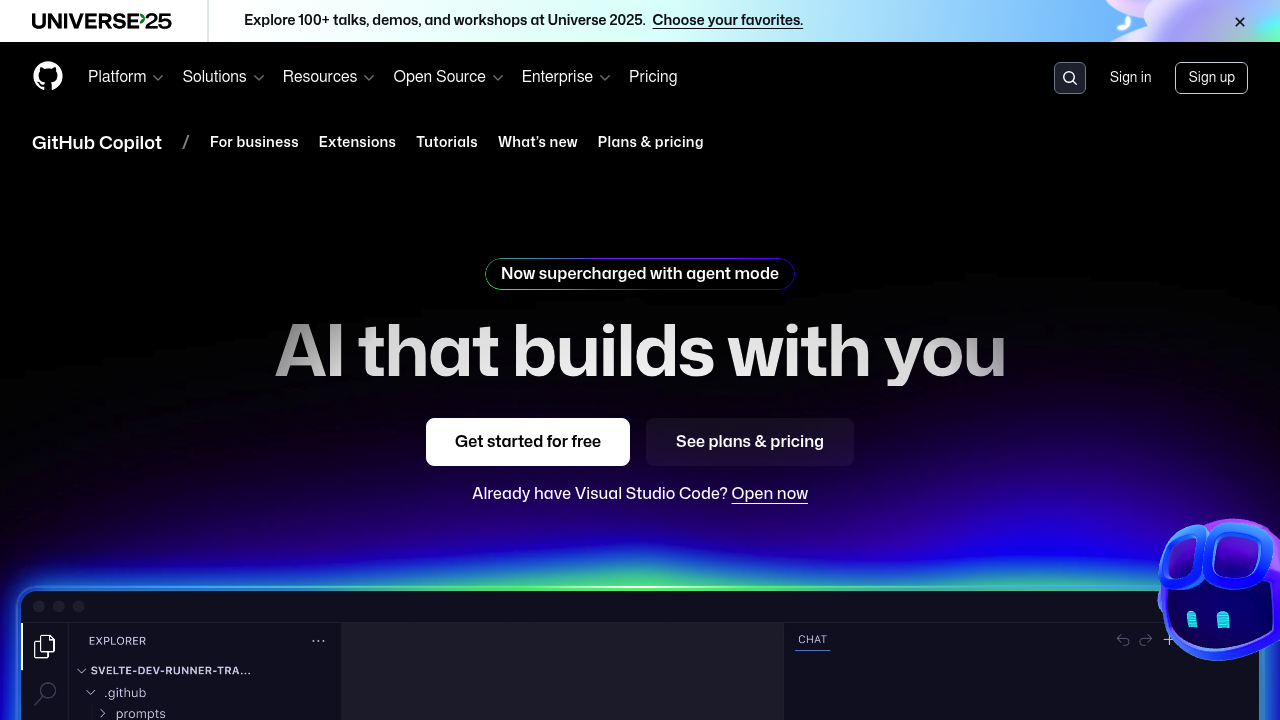
GitHub Copilot is an AI-powered coding assistant trained on public code repositories. It integrates natively with popular IDEs to provide real-time code completions, explanations, and chat support. Solo developers benefit from its extensive language support and seamless editor integration. This Claude code alternative offers established tooling with broad IDE compatibility.
Strengths
- Mature IDE integrations across VS Code, Visual Studio, JetBrains, and other major editors
- Extensive training on public code repositories provides broad language and framework coverage
- Real-time inline code suggestions with contextual understanding of existing codebase
- Chat functionality for code explanations, debugging, and refactoring assistance
- Free tier available with basic features in VS Code and GitHub.com
- Code review capabilities now available in JetBrains IDEs and Visual Studio
Weaknesses
- Premium models now have usage limits and additional charges
- Requires GitHub account and internet connection for functionality
- Limited customization options compared to self-hosted alternatives
- Chat features unavailable on the basic $10 individual plan
- May suggest code patterns from training data without context validation
Best for
Developers working in mainstream languages who want established IDE integration and don't require extensive customization.
Pricing plans
- Free — $0/month — Basic completions in VS Code, limited monthly usage
- Individual — $10/month or $100/year — Unlimited completions, basic features
- Pro — $39/month — Premium models, coding agent, monthly allowance of premium requests
- Business — Unknown — Team management, policy controls
- Enterprise — Unknown — Advanced security, compliance features
Tech details
- Type: Cloud-based AI coding assistant
- IDEs: VS Code, Visual Studio, JetBrains IDEs (IntelliJ, PyCharm, etc.), Neovim, Emacs
- Key features: Inline code suggestions, explanations, automated implementations from natural language prompts, chat interface, code review
- Privacy / hosting: Cloud-hosted, code snippets processed by GitHub servers, no local deployment option
- Models / context window: GPT-based models, context window size not publicly disclosed
When to choose this over Claude code
- Need established IDE integrations with minimal setup across multiple editors
- Prefer mature tooling with extensive community usage and documentation
- Want access to free tier for basic coding assistance
When Claude code may be a better fit
- Require more advanced reasoning capabilities for complex coding tasks
- Need better context understanding for large codebases or architectural decisions
- Prefer Anthropic's approach to AI safety and model capabilities
Conclusion
GitHub Copilot offers a mature Claude code alternative with broad IDE support and established workflows. Its extensive training on public repositories provides good coverage for common programming patterns. However, recent pricing changes and usage limits for premium features may impact cost-effectiveness for heavy users.
Sources
FAQ
What programming languages does GitHub Copilot support?
GitHub Copilot supports most mainstream programming languages including Python, JavaScript, TypeScript, Java, C#, Go, Ruby, PHP, and many others. It has been trained on public code repositories and can assist with most programming languages and frameworks.
Can I use GitHub Copilot for free?
Yes, GitHub Copilot offers a free tier in VS Code and GitHub.com with basic features and limited monthly usage. Verified students, teachers, and maintainers of popular open source projects may be eligible for free access to paid features.
How does GitHub Copilot handle privacy and code security?
GitHub Copilot processes code snippets on GitHub's cloud servers. For organizations, GitHub offers business and enterprise plans with additional privacy controls and policy management. Code suggestions are based on patterns learned during training, not stored user code.
What's the difference between the Individual and Pro plans?
The $10 individual plan lacks chat functionality regardless of IDE, while the Pro plan includes premium models in Copilot Chat, coding agent access, and monthly allowance of premium requests.
Which IDEs are supported by GitHub Copilot?
GitHub Copilot integrates with major IDEs including VS Code, Visual Studio, and JetBrains IDEs like IntelliJ and PyCharm. It also supports Neovim, Emacs, and other editors through extensions.
Are there usage limits on GitHub Copilot?
GitHub Copilot has introduced new limits and charges for premium AI models. The free tier has monthly usage limits, while paid plans offer different levels of access to premium features and models.