Gemini CLI
Open-source terminal AI agent powered by Gemini 2.5 Pro with generous free tier and 1M token context.
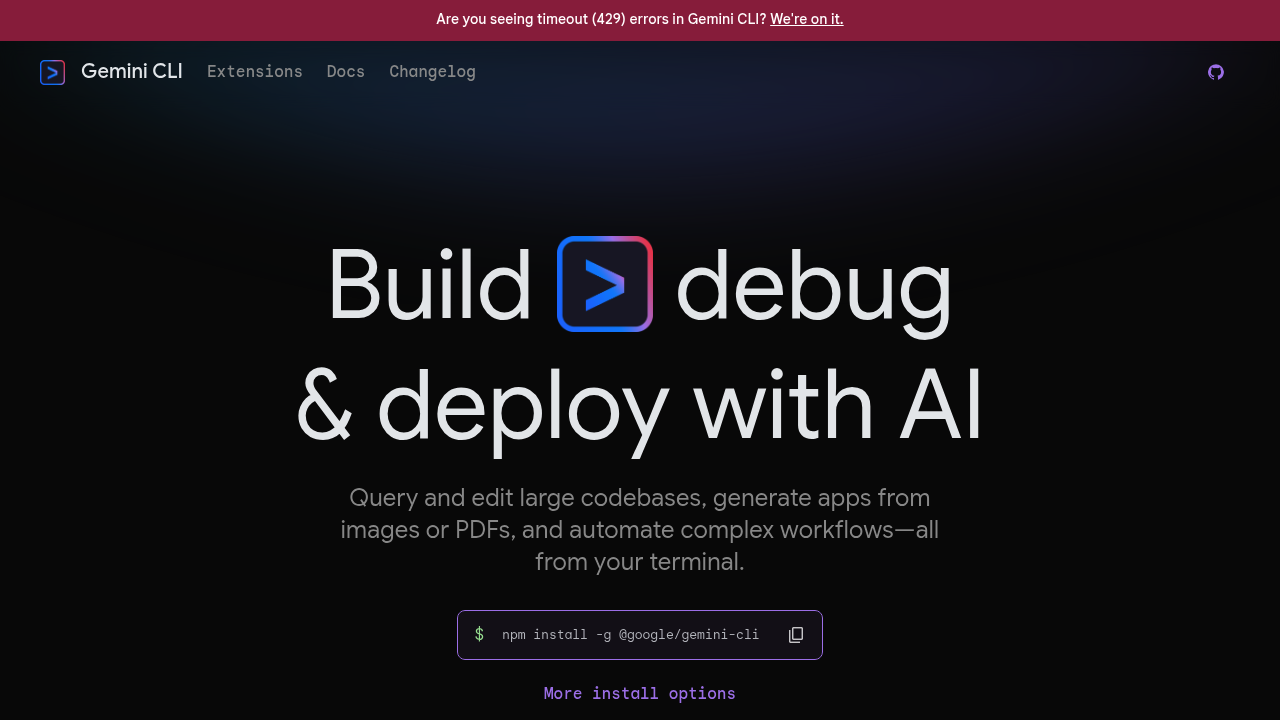
Gemini CLI - Claude code alternative
Gemini CLI is an open-source AI agent that brings Gemini models directly into your terminal. It uses a reason and act (ReAct) loop with built-in tools and MCP servers to complete complex use cases like fixing bugs, creating new features, and improving test coverage. Solo developers may prefer it because it offers 60 model requests per minute and 1,000 requests per day at no charge. Built-in tools include Google Search grounding, file operations, shell commands, and web fetching.
Strengths
- Free tier provides 60 requests per minute and 1,000 requests per day with personal Google account. Google's analysis showed these limits are actually double the highest usage they observed.
- Access to Gemini 2.5 Pro with 1 million token context window. This Claude code alternative enables analyzing entire small-to-medium projects in single sessions.
- MCP (Model Context Protocol) support allows custom integrations. Extensions connect favorite tools like BigQuery, Firestore, Spanner, and Chrome automation.
- Interactive shell support runs complex commands like vim, git rebase, or top directly within Gemini CLI. Everything remains in context without external terminal switching.
- Open-source under Apache 2.0 license allows complete code auditing. Organizations can deploy on-premises without vendor lock-in.
- Gemini Code Assist agent mode in VS Code is powered by Gemini CLI. Native IDE diffing shows changes before commits.
Weaknesses
- In testing, Claude Code completed projects faster (1hr 17min) with full autonomy, while Gemini CLI needed manual nudging and retries (2hr 2min).
- Claude Code delivered cleaner structure and smoother UX; Gemini was decent but less polished overall.
- Free tier usage may be used to improve Google's models. Enterprise privacy controls require paid tiers.
- Running multiple simultaneous agents requires paid API keys. Free tier supports single agent workflows only.
- Claude Code context window is approximately 200,000 tokens versus Gemini CLI's 1 million. However, Claude nails precision and error handling better.
Best for
Developers seeking free terminal AI assistance with massive context windows. Students, hobbyists, and freelancers exploring AI coding without budget constraints. Teams already using Google Cloud ecosystem wanting tight integration.
Pricing plans
- Free (Personal Google Account) — $0/month — 60 requests/min, 1,000 requests/day, Gemini 2.5 Pro access, 1M token context
- Gemini Code Assist Standard — $19/user/month (annual) or $22.80/month (monthly) — Higher daily quotas, enterprise security, management tools, IDE integration
- Gemini Code Assist Enterprise — $45/user/month (list price) — Code customization from private repos, Google Cloud integrations, increased agent usage, minimum 10 licenses
- Pay-as-you-go (API Key/Vertex AI) — Usage-based pricing — Governed by dynamic shared quota, unlimited requests, best for uninterrupted workflows
Tech details
- Type: Terminal-based AI agent with REPL environment
- IDEs: VS Code (via Gemini Code Assist), JetBrains IDEs. Native diffing allows reviewing and accepting changes directly within IDE diff viewer.
- Key features: File system operations, shell commands, web fetching, Google Search grounding. Checkpointing saves and resumes conversations. Interactive shell runs vim, git rebase, REPLs. Headless mode enables scripting and automation.
- Privacy / hosting: Prompts and responses are not used to train models. Free tier usage may improve Google's models; Standard and Enterprise always opted out. Self-hosted deployment possible via open-source license.
- Models / context window: Gemini 2.5 Pro, Gemini 2.5 Flash, Gemini 2.5 Flash Lite. 1 million token context window (approximately 750,000 words).
When to choose this over Claude code
- Gemini CLI offers 60 requests per minute and 1,000 requests per day at no charge versus Claude Code's $200/month Max plan. Cost-conscious developers save hundreds monthly.
- Gemini CLI's 1 million token context versus Claude Code's 200,000 tokens enables analyzing entire small-to-medium projects in single sessions. Large codebase comprehension becomes practical.
- Google Search integration automatically pulls latest best practices and browser compatibility data, while Claude Code relies on training data that may be months old.
When Claude code may be a better fit
- Claude Code completed identical tasks 37% faster with full autonomy, while Gemini needed manual intervention. Production environments prioritizing speed benefit from Claude.
- Claude Code nails precision and error handling, making it better suited for production environments where code quality is critical.
- Claude Code maintains advantages in enterprise privacy controls and established security track records. Organizations with strict data governance may prefer paid Claude alternatives.
Conclusion
Gemini CLI disrupts the AI coding market by offering enterprise-grade terminal assistance completely free. Google deliberately set limits above typical developer usage patterns, measuring internal usage then doubling it. The massive context window and open-source architecture enable workflows impossible with competitors. While Claude Code delivers superior polish and autonomy, Gemini CLI's zero cost and Google ecosystem integration make it compelling for individual developers and teams exploring AI assistance without procurement barriers.
Sources
- Official site: https://geminicli.com/
- Docs: https://geminicli.com/docs/
- Pricing: https://geminicli.com/docs/quota-and-pricing/
FAQ
Q: Is Gemini CLI completely free to use?
A: Yes, Gemini CLI is completely free for the vast majority of developers with 60 requests per minute and 1,000 requests per day at no charge using a personal Google account. This free tier includes access to Gemini 2.5 Pro with its 1 million token context window. Professional developers needing higher limits can upgrade to paid tiers.
Q: How does Gemini CLI compare to Claude Code in performance?
A: In direct testing, Claude Code completed projects faster (1hr 17min vs 2hr 2min) with better autonomy and delivered cleaner code structure. However, Gemini CLI generates code faster and excels at understanding large contexts with its 1 million token window, making it great for rapid prototyping. Claude Code suits production environments; Gemini CLI suits exploratory development.
Q: What IDEs does Gemini CLI integrate with?
A: Gemini CLI integrates with VS Code through Gemini Code Assist, which shares the same underlying technology. Gemini Code Assist also works in JetBrains IDEs such as IntelliJ and PyCharm, plus Android Studio. IDE integration provides workspace context, native diffing, and awareness of recently accessed files and cursor position.
Q: Can I use Gemini CLI for commercial projects?
A: Yes. Gemini CLI is open-source under Apache 2.0 license, permitting commercial use. However, free tier usage may be used to improve Google's models. For commercial projects requiring data privacy, upgrade to Gemini Code Assist Standard ($19/user/month) or Enterprise ($45/user/month), where input and output data are encrypted and not used for training.
Q: What are the rate limits for the free tier?
A: The free tier provides 60 requests per minute and 1,000 requests per day with a personal Google account. Google deliberately designed these limits to be well above typical developer usage patterns, actually doubling the highest usage observed internally. Most individual developers never hit these limits during normal work.
Q: Does Gemini CLI support MCP servers and extensions?
A: Yes, Gemini CLI has MCP (Model Context Protocol) support for custom integrations and is extensible. Available extensions include integrations for BigQuery, AlloyDB, Firestore, Spanner, Google Kubernetes Engine, Firebase, Jira, Confluence, and Chrome automation. Users can configure MCP servers in settings to extend Gemini CLI with custom tools.