Aider
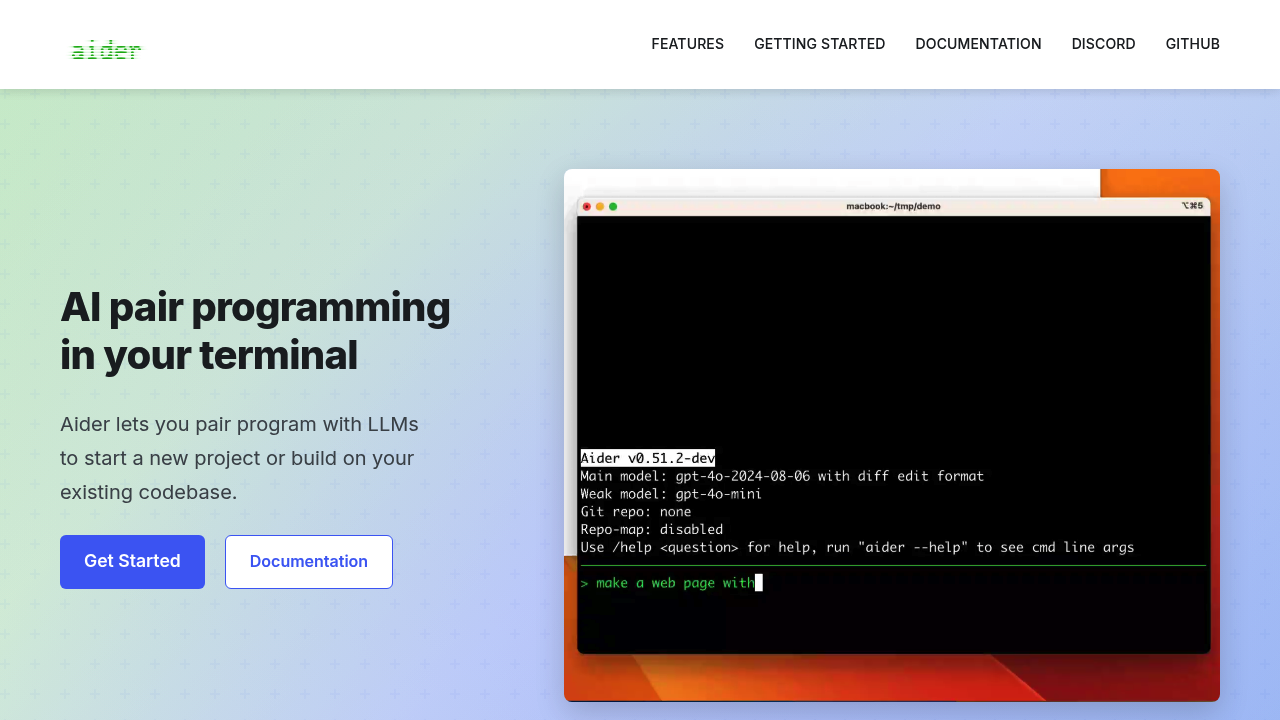
AI pair programming in your terminal with multi-model support.
Aider - Claude code alternative
Aider lets you pair program with LLMs to start a new project or build on your existing codebase. It's a command line chat tool that enables you to write and edit code using the large language model of your choice. Aider makes a map of your entire codebase, which helps it work well in larger projects. Solo developers prefer this Claude code alternative because it works locally and supports multiple LLM providers for cost flexibility.
Strengths
- Aider automatically commits changes with sensible commit messages. Use familiar git tools to easily diff, manage and undo AI changes.
- Aider makes a map of your entire codebase, which helps it work well in larger projects.
- Can connect to almost any LLM, including local models for cost control and privacy.
- Add images and web pages to the chat to provide visual context, screenshots, reference docs, etc.
- Automatically lint and test your code every time aider makes changes. Aider can fix problems detected by your linters and test suites.
- Speak with aider about your code! Request new features, test cases or bug fixes using your voice.
Weaknesses
- Command-line interface may intimidate developers preferring GUI tools.
- May not work well with less capable models.
- Requires API keys and costs vary significantly between model providers.
- Premium models like o1-preview can cost up to 70 cents per command.
Best for
- Developers comfortable with terminal workflows who want model flexibility.
Pricing plans
- Free — Open source tool — Pay only for LLM API usage
- Model costs vary — $0.007 per file processing with budget models — Premium models significantly more expensive
Tech details
- Type: Open-source command-line AI pair programming tool
- IDEs: Use aider from within your favorite IDE or editor. Ask for changes by adding comments to your code and aider will get to work.
- Key features: Codebase mapping, git integration, voice commands, image/web context, automatic testing
- Privacy / hosting: Self-hosted, local execution, can work with local models using Ollama
- Models / context window: Works best with Claude 3.7 Sonnet, DeepSeek R1 & Chat V3, OpenAI o1, o3-mini & GPT-4o, context varies by model
When to choose this over Claude code
- You want to use multiple LLM providers or local models for cost optimization.
- You need context-aware suggestions across your entire repository rather than just open files.
- You prefer command-line workflows with git integration over web interfaces.
When Claude code may be a better fit
- You want a unified web-based interface without terminal complexity.
- You prefer consistent pricing without managing multiple API keys.
- You need enterprise features or dedicated support channels.
Conclusion
Aider is a free, open-source AI-powered pair programmer that you can use to edit code in your local Git repository. Aider works with most popular programming languages: python, javascript, rust, ruby, go, cpp, php, html, css, and dozens more. The tool excels at whole-codebase understanding and offers flexibility in model selection. This powerful combination empowers developers with a solution that notably doesn't slowdown existing workflows and processes.
Sources
- Official site: https://aider.chat/
- Docs: https://aider.chat/docs/
- GitHub: https://github.com/Aider-AI/aider
FAQ
Q: Does Aider work with local LLMs? A: Yes, Aider can work with local models, for example using Ollama. It can also access local models that provide an Open AI compatible API.
Q: Which programming languages does Aider support? A: Aider works with most popular programming languages: python, javascript, rust, ruby, go, cpp, php, html, css, and dozens more.
Q: How does Aider handle version control? A: Aider automatically commits changes with sensible commit messages. Use familiar git tools to easily diff, manage and undo AI changes.
Q: Can I use Aider without API keys? A: If you have not provided any keys, aider will offer to help you connect to OpenRouter which provides both free and paid access to most popular LLMs.
Q: Does Aider support voice commands? A: Yes, you can speak with aider about your code! Request new features, test cases or bug fixes using your voice and let aider implement the changes.
Q: How does Aider understand my codebase? A: The tool creates a "map" (essentially a collection of signatures) of your entire repository to give the LLM an understanding of your codebase so that it can provide context-aware suggestions.