Windsurf - Claude code alternative
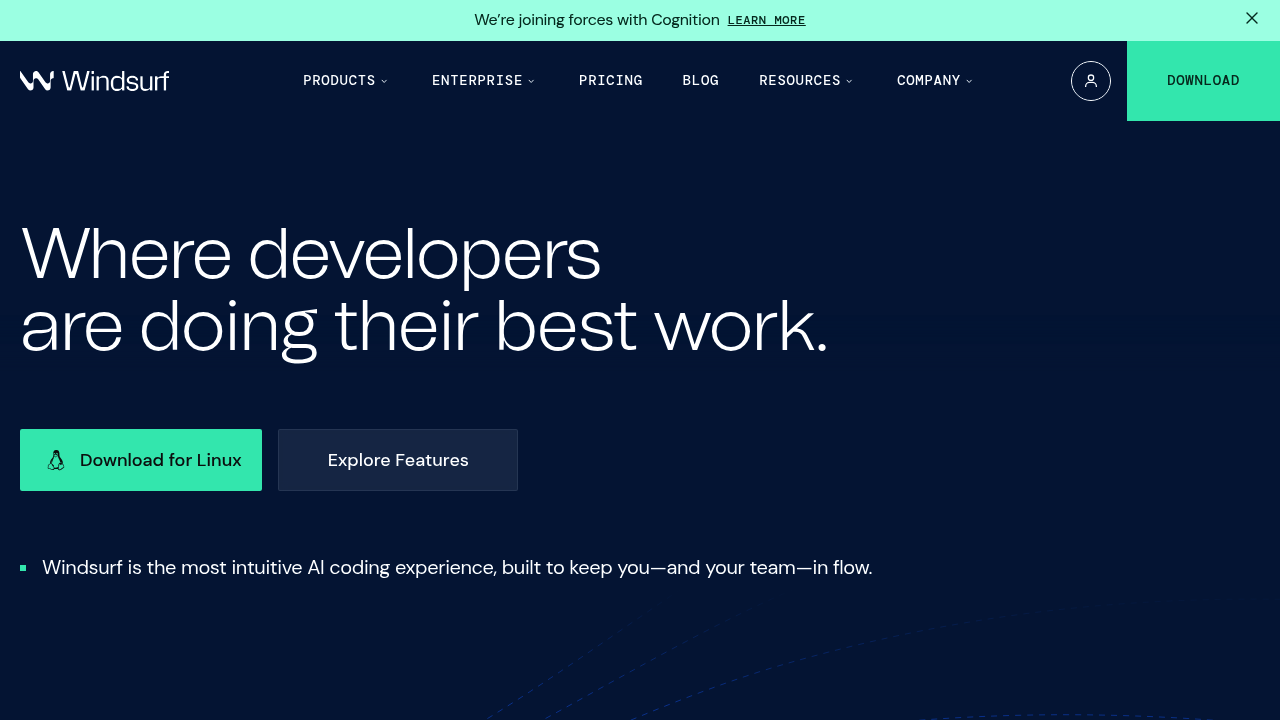
Windsurf is an advanced AI coding assistant for developers and enterprises. Unlike traditional coding assistants that function primarily as autocomplete tools, Windsurf AI acts as a full-fledged development partner that can understand your intent, execute terminal commands, and reason about your codebase in real-time. Solo developers benefit from automated context detection and agent-based coding that reduces manual setup compared to this Claude code alternative.
Strengths
- Automatic context detection eliminates manual tagging of codebase files
- Write vs chat mode toggle allows switching between code generation and knowledge queries
- Context-aware actions via @ mentions for files, directories, and web search results
- Model Context Protocol (MCP) supports third-party integrations with GitHub, Slack, Stripe, and databases
- Free forever for individual developers
- Available on Mac, Windows, and Linux platforms
Weaknesses
- Complex pricing model with unclear "model flow action credits" system
- Still new with active development affecting stability
- Potential for gradual architectural erosion in long-term projects
- Limited ecosystem compared to established IDEs
Best for
- Solo developers who want automated context management and agent-based coding assistance.
Pricing plans
- Free — $0/month — Unlimited usage with SWE-1 Lite model
- Pro — $15/seat per month — Access to SWE-1 model, model flow action credits
- Teams — Unknown — Designed for startups and technical teams
- Enterprise — Unknown — Custom plan with advanced security, scaling, and support
Tech details
- Type: AI-native IDE with integrated coding assistant
- IDEs: Standalone editor (Mac, Windows, Linux)
- Key features: Cascade, Supercomplete, Memories, Command Mode, Flows
- Privacy / hosting: Cloud-based with enterprise deployment options
- Models / context window: SWE-1, SWE-1-lite, and SWE-1-mini models, supports Claude and GPT models with provider tokenizers
When to choose this over Claude code
- You want automatic context detection without manual file tagging
- You're an individual developer looking for a free solution
- You need third-party integrations through Model Context Protocol
When Claude code may be a better fit
- You prefer command-line interfaces over dedicated IDEs
- You need proven stability for production workflows
- You want integration with existing VS Code setups
Conclusion
Windsurf positions itself as an advanced AI coding assistant with automated context management. The free tier for individuals and agent-based approach appeal to solo developers. However, its newness means ongoing development may affect stability. It offers advantages in pricing, features, and contextual understanding for developers seeking an IDE-based alternative.
Sources
FAQ
What makes Windsurf different from other AI coding assistants?
Windsurf automatically handles context detection, eliminating the need to manually tag files or add context like in Cursor. It functions as a full development partner that can execute terminal commands and reason about codebases in real-time.
Is Windsurf really free for individual developers?
Yes, Windsurf is free forever for individuals. The free tier includes unlimited usage with the SWE-1 Lite model.
What programming languages does Windsurf support?
Windsurf is available on Mac, Windows, and Linux, but specific language support details are not publicly documented. It functions as a general-purpose AI-native IDE.
How does Windsurf handle data privacy?
Specific privacy details are Unknown. Enterprise plans offer advanced security features, but individual data handling policies are not detailed in available documentation.
Can I use Windsurf with existing development workflows?
Windsurf supports Model Context Protocol (MCP) for third-party integrations with tools like GitHub, Slack, and databases. However, it's a standalone IDE rather than an extension for existing editors.
What are the system requirements for Windsurf?
System requirements are Unknown. The editor is available for Mac, Windows, and Linux platforms, but specific hardware or software requirements are not publicly documented.