Qoder: A Claude Code alternative for ai ide workflows
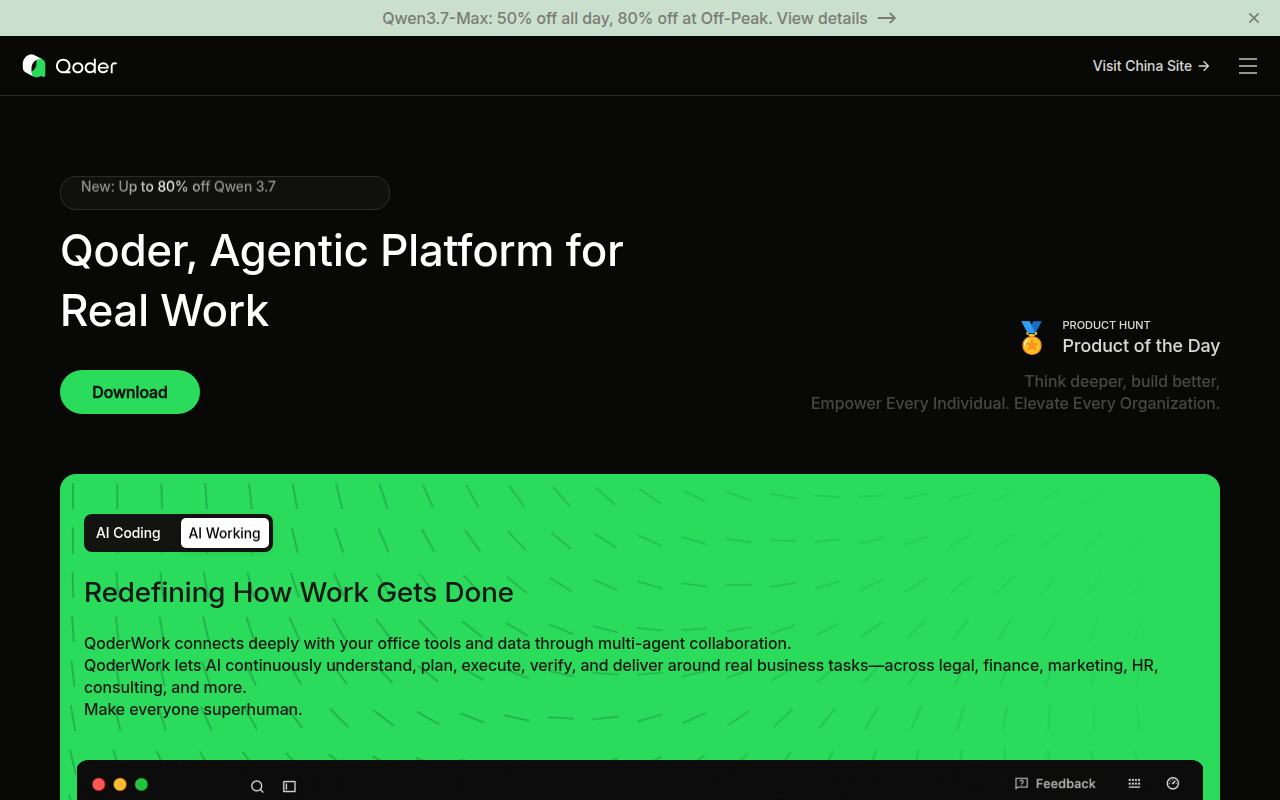
Qoder is a AI IDE developed by Qoder. Agentic coding platform with desktop app, VS Code and JetBrains support, CLI access, code completion, AI agent flows, and team knowledge features. As a Claude Code alternative, it is best suited for developers who care about ai ide workflows and want a different balance of control, interface, and platform scope.
Qoder vs. Claude Code: Quick Comparison
| Qoder | Claude Code |
|---|
| Type | AI IDE | CLI agent |
| IDEs / surface | Desktop app, VS Code, JetBrains, and CLI | Any editor via terminal / CLI |
| Pricing | The official website and schema markup describe Qoder as free to download, making the entry path usable without upfront payment. | Usage-based via Anthropic API or subscription routing |
| Models | Public pages emphasize access to advanced models and discounted Qwen usage, but they do not publish one stable official context-window matrix on the reviewed pages | Claude-focused by default |
| Privacy / hosting | Cloud-assisted desktop and IDE workflow; enterprise and team deployment options are publicly positioned, but full self-hosting is not publicly documented on the reviewed pages | Cloud-assisted terminal workflow |
| Open source | No | No |
| Offline / local models | No | No |
Key Strengths
- Desktop workflow with real IDE reach: Qoder is not limited to a single branded editor shell. The official site explicitly positions it as an autonomous development desktop that also supports mainstream IDEs like VS Code and JetBrains, which lowers switching friction for teams that already have an editor preference.
- Agentic scope goes beyond autocomplete: The public product language is focused on agentic coding, automatic code generation, test generation, and real-work delegation instead of only token-level completion. That makes Qoder more relevant for developers who want planning and execution support across a task rather than a faster suggestion bar.
- Growing team-knowledge story: Official pages and product announcements point to Repo Wiki, shared knowledge, and team-oriented capabilities. That matters if the comparison point is Claude Code inside an individual terminal loop, because Qoder is making a stronger public pitch around institutional context and shared coding memory.
Known Limitations
- Pricing details are less straightforward than a flat-seat tool: Qoder uses credits and plan-specific premium-model quota, so the true cost depends on how often the team leans on agent requests instead of lighter completion flows.
- Model and governance details are still somewhat moving targets: The reviewed official pages describe discounts, advanced models, and team features, but they do not provide one crisp public matrix for all supported providers, context ceilings, and enterprise governance details.
Best For
Qoder is best for developers and engineering teams who want an agentic desktop coding environment but do not want to abandon VS Code, JetBrains, or CLI-based habits. It fits especially well when the team wants a broader execution surface than a pure terminal agent, yet still wants a tool centered on real software work instead of browser-only prototype generation.
Pricing
- Free: The official website and schema markup describe Qoder as free to download, making the entry path usable without upfront payment.
- Pro: The official subscriptions announcement says the paid plan is monthly and includes premium-model quota sized for day-to-day development with code completion and light agent assistance.
- Pro+: The same official announcement describes a higher monthly plan for heavier premium-model usage and broader agent workflows.
Prices and free-tier terms can change. Check the official pricing source for current details.
Tech Details
- Type: AI IDE
- IDEs: Desktop app, VS Code, JetBrains, and CLI
- Key features: desktop-first agentic coding environment, VS Code and JetBrains support, CLI access, code completion and conversational coding, Quest Mode agent workflows, Repo Wiki and shared knowledge features
- Privacy / hosting: Cloud-assisted desktop and IDE workflow; enterprise and team deployment options are publicly positioned, but full self-hosting is not publicly documented on the reviewed pages
- Models / context window: Public pages emphasize access to advanced models and discounted Qwen usage, but they do not publish one stable official context-window matrix on the reviewed pages
Workflow Fit
Qoder works best when the coding workflow already spans IDE use, conversational assistance, code completion, and occasional agent delegation. It can sit closer to the everyday editor context than Claude Code while still promising non-trivial task execution.
That makes it a good fit for teams who code all day in a GUI-first environment and want agentic help without moving the whole workflow into a terminal window.
What Developers Are Likely to Notice First
Qoder makes its biggest first impression through workflow shape rather than through a single benchmark or one flashy feature. The reviewed official sources consistently show where it wants to live in a developer's day, whether that is an IDE surface, a terminal harness, or a broader automation stack that extends past code editing alone.
That distinction matters because Claude Code is easiest to understand when the terminal is already the center of the workflow. A competing tool only becomes a serious option if it changes the surface in a way that feels meaningfully better for a certain team, not just different for the sake of novelty.
Operational Tradeoffs
Every credible coding agent has a hidden operational story behind the visible feature list. Teams are not only buying prompts and edits. They are also choosing where code review happens, how context is carried across sessions, how pricing pressure shapes behavior, and whether the tool fits the environments developers already use every day.
That is why it is useful to judge Qoder on the habits it encourages. Some products reward GUI-first collaboration, some reward package-based customization, and some reward building a wider automation layer around coding. Those incentives often matter more than a short list of checkbox features.
Implementation Considerations
Implementation success usually depends less on whether a product can generate code and more on whether the team can absorb the workflow it imposes. A team moving to Qoder should decide who owns prompts, where validation happens, how generated output is reviewed, and when a task should stay manual instead of being delegated to an agent loop.
The reviewed official sources make it clear that Qoder is designed around a specific operational center of gravity. When that center matches the team's real daily behavior, adoption feels natural. When it does not, even strong features can end up underused because the surrounding workflow never becomes comfortable.
Adoption Notes
Adoption also depends on the maturity of the surrounding engineering process. Early-stage founders may value speed and flexibility first, while established teams may care more about repeatability, governance, editor fit, and whether the tool can carry context across many contributors without creating a second, opaque workflow that nobody fully owns.
That is why the safest way to evaluate Qoder is to match it to one concrete recurring job: shipping a feature, reviewing a pull request, automating a research-heavy coding task, or building an internal tool faster than a human-only process would allow. If it wins there consistently, it is much easier to justify broader rollout.
Community Feedback
External discussion around Qoder consistently focuses on its agentic positioning, fast early adoption, and the tension between flexible power and credit-based economics.
Reviews and discussions also frame Qoder as one of the stronger newcomers for teams that want a desktop and IDE story, not only a shell story.
Decision Lens
A simple way to think about the decision is to ask what problem the tool is really solving. If the pain is terminal throughput, one class of agent wins. If the pain is IDE comfort, another class wins. If the pain is orchestration, memory, or environment-wide automation, a broader agent platform becomes more compelling than a narrower coding helper.
By that standard, Qoder should not be judged only on raw intelligence claims. It should be judged on whether its public workflow story lines up with the kind of engineering work your team repeats every week. When that fit is real, the product can outperform tools that look stronger on paper but pull the team toward the wrong operating model.
When to Choose This Over Claude Code
- Choose Qoder when the team wants a more visual IDE-centered workflow than Claude Code's terminal-first loop.
- Choose Qoder when JetBrains support or a desktop app matters operationally.
- Choose Qoder when shared knowledge, Repo Wiki, or team context are part of the buying decision.
When Claude Code May Be a Better Fit
- Claude Code may be a better fit when the team wants a simpler terminal-native loop with fewer pricing abstractions.
- Claude Code may be a better fit when shell-heavy workflows, Git operations, and direct command execution are the center of gravity.
- Claude Code may be a better fit when the team values a more opinionated single-agent experience over a broader product surface.
Conclusion
Qoder is a credible option for developers who want a different tradeoff than Claude Code provides by default. The strongest case for it appears when the team's preferred workflow surface, governance needs, or customization appetite clearly match the product's public strengths.
If those conditions are true, Qoder can be the better operational choice even when Claude Code remains the simpler or more familiar coding agent. If those conditions are not true, the extra surface area or setup complexity can become overhead instead of leverage.
Sources
FAQ
Is Qoder free to start with?
Yes. The official site marks Qoder as free to download, and its schema markup also exposes a zero-dollar entry offer.
Does Qoder work with JetBrains and VS Code?
Yes. The official website mentions both mainstream IDE families, and Qoder maintains official JetBrains plugin documentation.
Who should pick Qoder over Claude Code?
Teams that want an AI IDE-style workflow with desktop UI, IDE integrations, and more public emphasis on shared knowledge features.
What is the main tradeoff?
The pricing model is less flat and more credit-shaped, so heavy agent usage needs closer cost attention than a simpler monthly tool.