BuildShip: A Claude Code Alternative for Shipping Browser-Based Products Faster
BuildShip is a ai app builder developed by BuildShip. BuildShip is a stronger fit when the real bottleneck is backend automation and tool-building rather than inline repository editing. As a Claude Code alternative, it is best suited for builders who care more about turning ideas into shipped product surfaces than about supervising a terminal session inside an existing repository.
BuildShip vs. Claude Code: Quick Comparison
| BuildShip | Claude Code |
|---|
| Type | AI App Builder | CLI Agent |
| IDEs | Browser-based backend and workflow builder with docs; no traditional desktop IDE integration is the core product | Any editor via CLI / terminal |
| Pricing | $0 with 3,000 credits, 5 active flows, and 1 team member. | Usage-based via Anthropic API; paid plans vary by access path |
| Models | Not publicly documented on the official pages used for this listing. | Claude models via Anthropic |
| Privacy / hosting | Cloud-hosted platform. | Cloud agent workflow |
| Open source | No | No |
| Offline / local models | No | No |
What BuildShip Actually Does
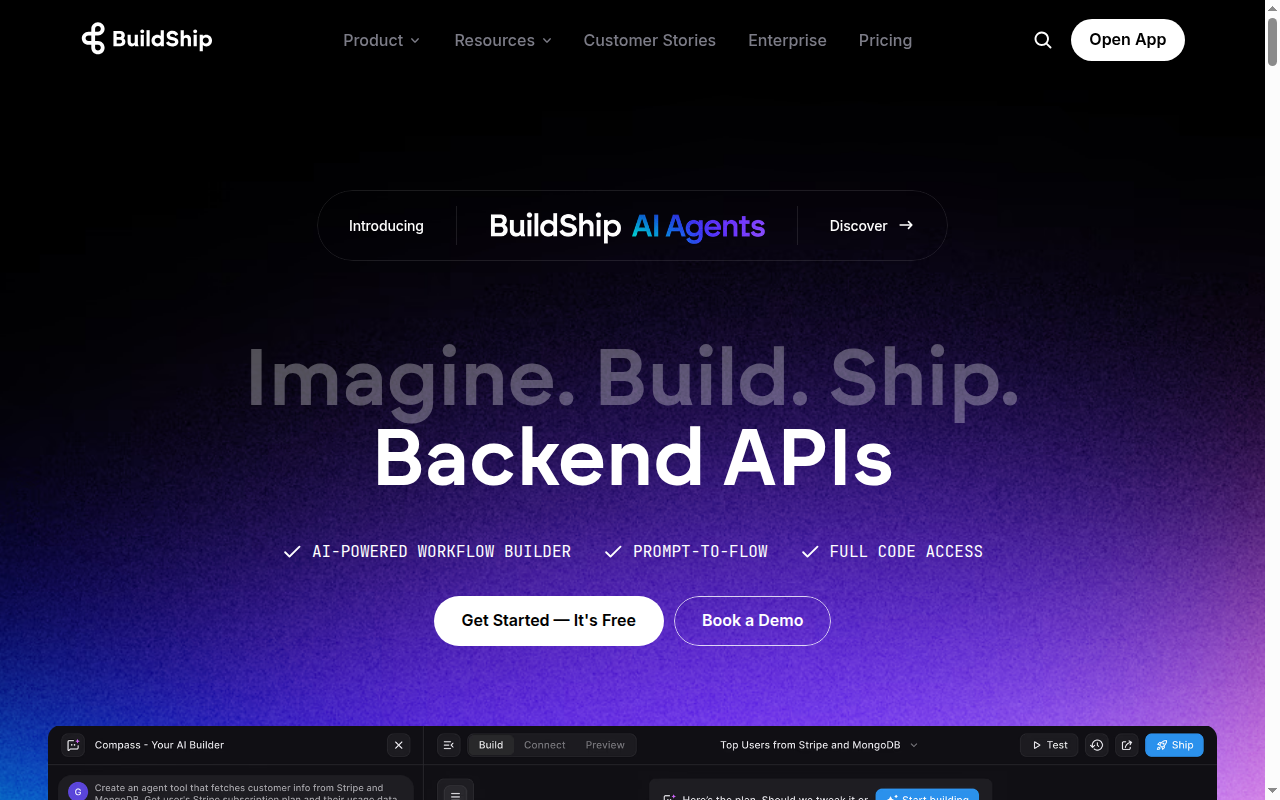
BuildShip is not trying to be a shell-first coding assistant in the narrow sense. The official product story centers on helping a builder move from prompt or problem statement to a working product, workflow, or backend capability without hand-authoring every layer.
That distinction matters when people compare alternatives to Claude Code. Claude Code is strongest when you already know what should be built and want help reading, editing, and validating code inside a real development environment. BuildShip is stronger when the surrounding product scaffolding, deployment path, or automation layer matters just as much as the code itself.
Key Strengths
- Better match for backend-heavy agent systems: BuildShip's public site and pricing pages focus on backend builder powers, AI workflows, APIs, scheduled jobs, and MCP-ready tools. That makes it more relevant than many generic vibe-coding products when the deliverable is not only a frontend but also a real automation layer.
- A practical path for tool creation without full-stack hand coding: Official descriptions emphasize visual creation of workflows and backend primitives. For founders or technical operators who need working APIs and agent tools quickly, that can reduce the amount of manual plumbing compared with building everything through a terminal-first coding assistant.
- Cheaper first paid tier than many AI app builders: The public pricing page starts paid access at $19 per month on Starter. That lower entry tier is useful for experimentation if you mainly need workflows, flows, and backend building rather than an all-in-one product studio.
How It Compares in Real Workflows
In a developer workflow, the practical question is not whether BuildShip can produce code at all. The real question is what the product optimizes around. BuildShip optimizes around getting a usable product surface, workflow, or hosted system moving quickly. Claude Code optimizes around technical supervision inside the shell.
That means the tools are not interchangeable even when they overlap. If you are building a landing page, internal tool, web app, mobile surface, automation, or backend workflow from a blank slate, a browser-based product builder can remove a large amount of setup friction. If you are fixing tests, refactoring a monorepo, or making architectural edits across a mature codebase, the repo-native terminal path remains more natural.
Known Limitations
- Workflow trade-off: BuildShip is not positioned as a repo-native terminal coding agent, so it does not replace Claude Code's local shell workflow directly.
- Documentation gap: The official pages used here do not publish exact model names, context limits, or a local/offline execution story.
Best For
Builders who need APIs, scheduled jobs, backend automations, and MCP-ready tools more than they need a terminal-native coding copilot.
It is especially useful for teams who are willing to accept a more managed platform in exchange for speed. That trade can be rational when the bottleneck is not fine-grained code editing but turning a requirement into a product artifact that other people can click, test, or use.
Pricing
- Plan details: Free: $0 with 3,000 credits, 5 active flows, and 1 team member.
- Plan details: Starter: $19/month with 20,000 credits and 20 active flows.
- Plan details: Pricing page also documents version control, a team library, and add-ons on paid plans.
- Plan details: The official positioning emphasizes backend builder powers with or without code.
Prices are subject to change. Check the official pricing page for current details.
Tech Details
- Type: AI App Builder
- IDEs: Browser-based backend and workflow builder with docs; no traditional desktop IDE integration is the core product
- Key features: visual backend builder, AI workflow generation, MCP-ready tools, APIs and scheduled jobs, credit-based pricing
- Privacy / hosting: Cloud-hosted platform.
- Models / context window: Not publicly documented on the official pages used for this listing.
When to Choose This Over Claude Code
- Choose BuildShip when backend workflows and integrations are the center of gravity.
- Choose BuildShip when you want a visual layer for APIs, jobs, and agent tools instead of editing application code by hand in the shell.
- Choose BuildShip when a lower first paid tier and flow-oriented pricing are a better match than a classic AI IDE subscription.
When Claude Code May Be a Better Fit
- Claude Code is better when the core task is reading and modifying an existing repository from the terminal.
- Claude Code is better when your team wants command-level supervision, local test execution, and direct file-system access.
- Claude Code is better when backend automations are secondary to deep code reasoning across an established codebase.
Use Case Breakdown
A helpful way to think about BuildShip is to separate greenfield product work from in-repo engineering work. On greenfield projects, the cost of wiring up scaffolding, interfaces, deployment, and surrounding product context can be larger than the cost of writing any single function. That is the zone where BuildShip becomes compelling.
For solo founders and consultants, the product can compress several roles into one surface. Instead of first doing research, then drafting a spec, then building a frontend, then adding workflows or deployment plumbing, the platform tries to keep those steps close together. That reduces context switching and can help non-specialists move faster.
For engineering teams, the value depends on whether the platform fits an actual delivery bottleneck. If the problem is not coding speed but product iteration speed, builder-style tools can outperform terminal agents. If the problem is deep code reasoning in an established codebase, builder-style tools usually become complementary rather than primary.
Operational Considerations
There are also governance trade-offs. Managed builders usually abstract away infrastructure details, which is convenient, but that also means less explicit control over local execution, shell commands, and file-system behavior. Some teams see that as a feature because it reduces setup burden. Others see it as a limitation because it narrows observability.
The official material used for this listing does not publish every technical implementation detail. That is not unusual in this category, but it means serious buyers should validate security, retention, and model-routing questions directly before standardizing on the product for sensitive repositories.
Migration and Adoption Fit
Teams moving from Claude Code should be clear about what they are migrating away from. If the current pain is shell friction, setup overhead, or the need to stitch multiple services together before something usable is visible, BuildShip may reduce time-to-first-output. If the current strength of Claude Code is exactly what you value, namely disciplined supervision over code and commands, the move will feel like a change in workflow philosophy rather than a straight upgrade.
That is why BuildShip is best understood as an alternative for a specific category of work. It is strongest when a product, workflow, or backend capability must appear quickly and the team accepts a managed abstraction layer in exchange. It is weaker when the team wants to stay deeply inside its own local tooling and repositories.
Team and Process Considerations
Non-engineers can also influence the evaluation. Product managers, agency operators, and technically curious founders often care about whether they can move from prompt to prototype without waiting for a full engineering cycle. In that kind of mixed team, BuildShip can become a shared surface rather than a tool reserved only for developers who are comfortable in the terminal.
Engineering leaders should still validate the handoff boundary. The fastest prototyping surface is not always the best long-term home for production software. A sensible process is to use BuildShip where it accelerates exploration and initial delivery, then decide how much of the resulting system should remain inside the platform versus move into a more conventional repository-owned workflow.
Conclusion
BuildShip is a credible option for people who want product creation speed more than shell-level coding control. It makes the most sense for browser-based app building, workflow assembly, and operational acceleration around a product idea.
Developers who mainly want a supervised terminal agent for reading and changing an existing repository will still find Claude Code closer to their daily workflow. Builders who want a broader platform for getting software into usable form faster may prefer BuildShip.
Sources
FAQ
Is BuildShip free?
Free: $0 with 3,000 credits, 5 active flows, and 1 team member.
Does BuildShip work with VS Code?
Browser-based backend and workflow builder with docs; no traditional desktop IDE integration is the core product. It is not positioned like a classic VS Code-first coding extension.
How does BuildShip compare to Claude Code?
Choose BuildShip when backend workflows and integrations are the center of gravity. Claude Code is better when the core task is reading and modifying an existing repository from the terminal.
What kind of projects is BuildShip best for?
Builders who need APIs, scheduled jobs, backend automations, and MCP-ready tools more than they need a terminal-native coding copilot.